



Playing Plinko on Your Phone in Australia — Complete Mobile Casino Guide 2026
Provider:
Hacksaw Gaming / Stake
Type:
Instant
Volatility:
Adjustable
RTP:
95–99%
Minimum Bet:
1
Maximum Bet:
100
Autoplay:
Yes
Release Date:
01.01.2020
Australian players wanting to enjoy Plinko on mobile will notice one thing quickly: there is no official real-money Plinko casino app in the App Store or Google Play. The Interactive Gambling Act 2001 prevents this — Australian app stores do not list real-money gambling applications from offshore operators. What does exist is something arguably more convenient: every top Plinko casino works instantly in your mobile browser, and several offer home-screen shortcuts or Progressive Web Apps (PWAs) that feel exactly like a native application once installed. This guide walks through the fastest ways to get Plinko running on any Australian iPhone or Android device, covering verified casinos, device setup, and mobile payment options. 18+ only. T&Cs apply. Gamble responsibly. Gambling Help Online: 1800 858 858.
Best Mobile Plinko Casinos for Australian Players
| Casino | Mobile Setup | Best Feature for Mobile | AUD Deposits | Plinko Games |
|---|---|---|---|---|
| Joe Fortune | Browser + Telegram | 9 Plinko titles; 1.2s load time on 4G | PayID (A$20 min) | 9 |
| Neospin | PWA + Browser | True PWA with FaceID login | PayID (A$45 min) | 5+ |
| SkyCrown | Browser (HTML5) | 7,000+ games; daily promos | PayID (A$20 min) | 5+ |
| Wazamba | Browser (HTML5) | BPAY + PayID; gamified missions | PayID / BPAY (A$20 min) | 4+ |
| Gamblezen | Browser (HTML5) | 60 FS no-deposit; 10,000+ games | Crypto only | 4+ |
18+ | T&Cs apply | Gamble responsibly
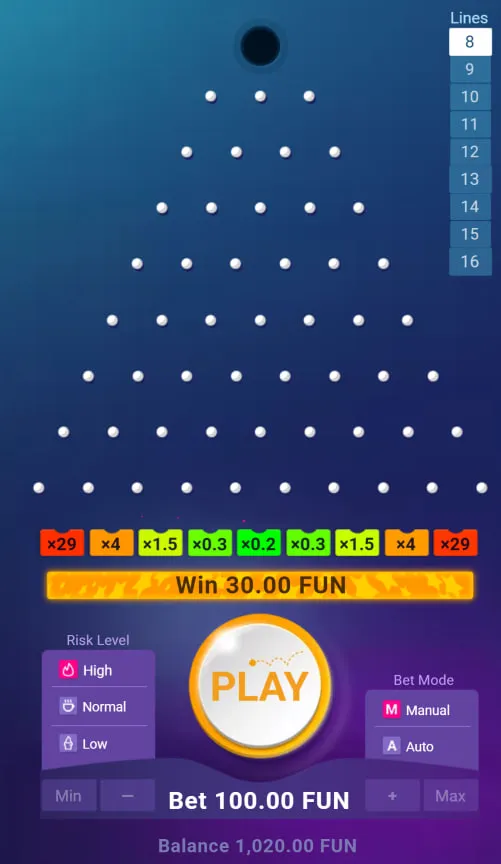
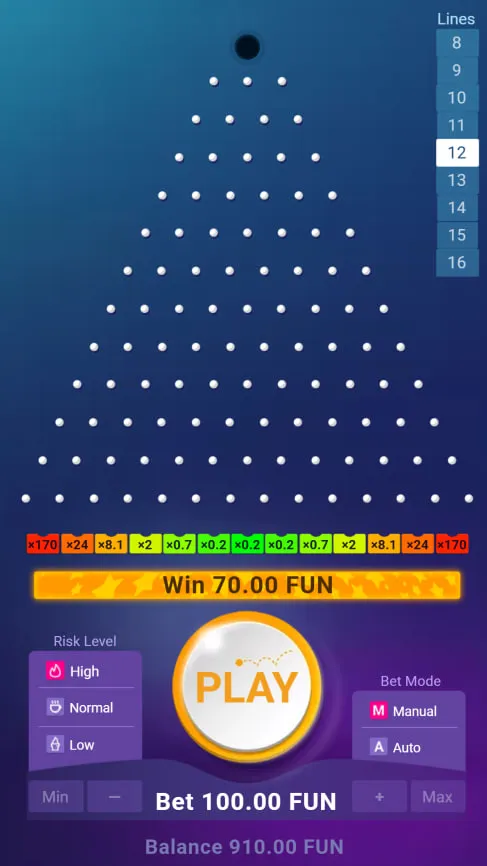
What Good Mobile Plinko Actually Looks Like
- Big, easy-to-tap drop button: Should be front and centre — no fumbling to find it mid-session
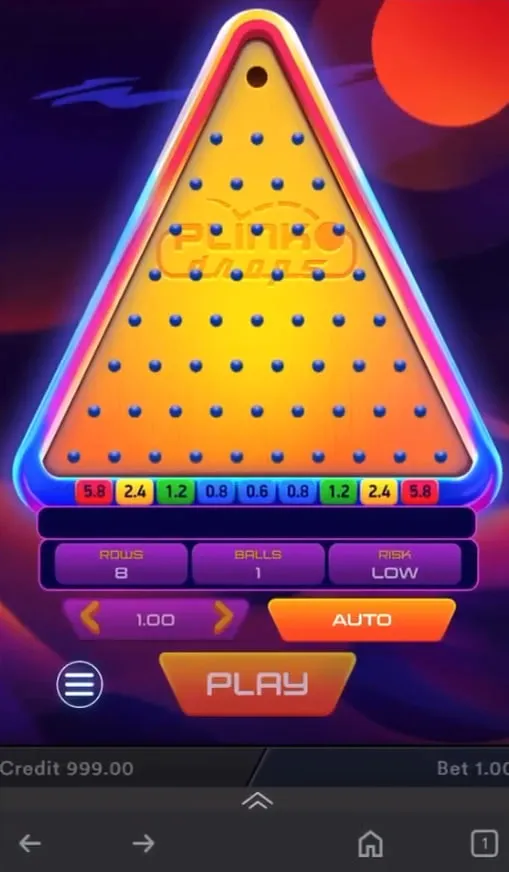
- Risk and row selectors on the main screen: Nobody wants to dig through menus to change risk level between drops
- Quick deposit without leaving the game: PayID deposit should be done and dusted in under a minute
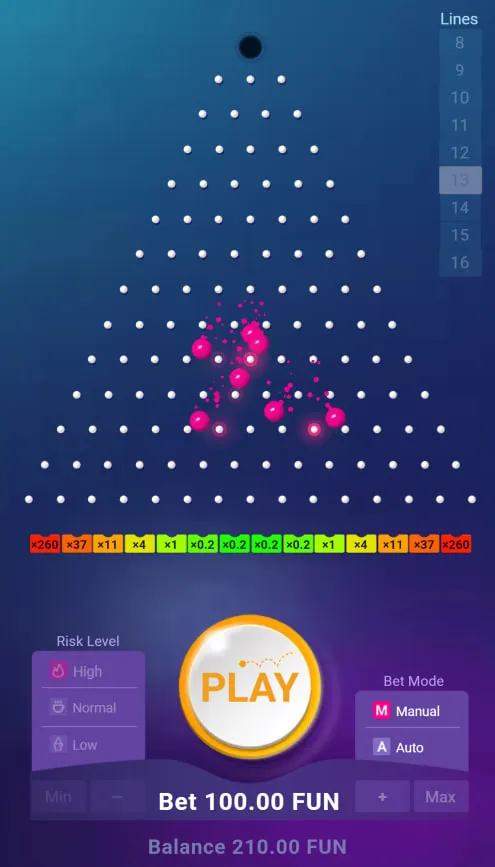
- Works in portrait mode: The Plinko board should fill the screen vertically without needing to rotate the phone
- Autobet stop-loss accessible on mobile: One tap to configure, not buried in settings
Why There's No Plinko App to Download in Australia
The Interactive Gambling Act 2001 makes it unlawful for online casino operators to offer real-money gambling services to Australians. Apple and Google comply with Australian regulations by excluding real-money casino apps from local store listings. This is why searching ""Plinko casino"" in the App Store or Google Play returns only simulated games — apps that look like Plinko but don't pay real money.
Australian players are not breaking any law by accessing offshore casinos. The Act restricts operators, not players. All recommended casinos operate under Curacao licences and accept Australian players without restriction through their mobile browser sites.
iPhone: How to Get Plinko on Your Home Screen in 60 Seconds
- Open Safari and go to your chosen casino's website
- Tap the Share icon at the bottom of the screen (square with upward arrow)
- Tap ""Add to Home Screen""
- Give it a name and tap ""Add""
- Done — the casino icon is now on your home screen, and tapping it opens the casino in full-screen mode without browser bars
Neospin PWA upgrade: Neospin's site displays a dedicated install prompt in Safari. Accepting it installs a Progressive Web App with FaceID/TouchID biometric login, automatic updates, and optional push notifications for daily cashback alerts (10–20% cashback credited every morning). This is the closest thing to a native casino app available on iPhone in Australia.
Android: Three Ways to Play Plinko on Your Phone
- Chrome browser (fastest start): Open the casino in Chrome and start playing — no setup needed
- Add to Home Screen: Tap the three-dot Chrome menu → ""Add to Home Screen"" → confirm → shortcut icon added to home screen, launches in standalone mode
- APK installation (most app-like experience):
- Visit the casino's official website from Chrome
- Find the Android / APK download link (usually in the footer)
- Download the APK file
- Go to Settings → Security → enable ""Install from unknown sources""
- Open the APK from your Downloads folder and install
- Launch from the home screen like any other app
Only install APK files from an official casino domain. Never use third-party APK sites.
Mobile Device Requirements
| Requirement | iPhone (iOS) | Android |
|---|---|---|
| OS Version | iOS 10.0 or later | Android 6.0 or later |
| Browser | Safari 14+ recommended | Chrome 90+ recommended |
| RAM | 2 GB minimum | 2 GB minimum |
| Internet | 4G / WiFi (5G preferred for autobet) | 4G / WiFi (5G preferred for autobet) |
| Storage (APK) | Not applicable | 50 MB free space |
Mobile Deposits: Getting Money In and Out on Your Phone
- PayID (recommended for AUD): Available at Joe Fortune, Neospin, SkyCrown, and Wazamba. Zero fees, instant settlement. Open the casino cashier, choose PayID, switch to your banking app, complete the transfer (under 30 seconds), and return to the casino. Minimum deposits range from A$20 to A$45.
- Cryptocurrency: Available at all five recommended casinos. The mobile process: open the casino cashier, copy the deposit address or scan the QR code with your crypto wallet app (Trust Wallet, Coinbase Wallet, etc.), confirm the transaction. Withdrawals via Bitcoin or Ethereum typically arrive within 24 hours — some complete in minutes.
- Neosurf: Purchase a voucher at a newsagent or online, enter the PIN in the cashier. Works at SkyCrown and others. No bank account needed.
- BPAY: Available at Wazamba. Transfer from your banking app using the casino's biller code and reference number.
Five Practical Tips for Mobile Plinko
- Set screen timeout to 5+ minutes: Plinko sessions can run longer than the default 30-second lock — adjust in display settings to avoid interruptions
- Configure autobet stop-loss before starting: On mobile, it is easier to set this up before a session than to pause mid-sequence
- Try the demo first on your specific device: What works well on desktop can occasionally have touch-interface quirks — a 5-minute free play session confirms compatibility
- Download the Neospin PWA for daily cashback alerts: Push notifications from the PWA make it easy to claim the 10–20% daily cashback credited each morning
- Use portrait mode: Plinko's vertical board is designed for portrait orientation — easier to hold and better for extended sessions
Responsible Mobile Gambling
Mobile access makes it easier than ever to play — which makes pre-session limits more important, not less. Every recommended casino offers deposit limits and cooling-off periods in account settings. The BetStop national self-exclusion register is available at betstop.com.au. Gambling Help Online is available 24/7 on 1800 858 858.